How Dispatchers Can Review and Adjust Optimized Routes Before Sending Drivers
An optimized route should be reviewed before it reaches the driver. This guide explains how dispatchers can check workloads, ETAs, stop order, assignments and exceptions before dispatch.
 Mohammad AlavitabarCEO @ Rouptimize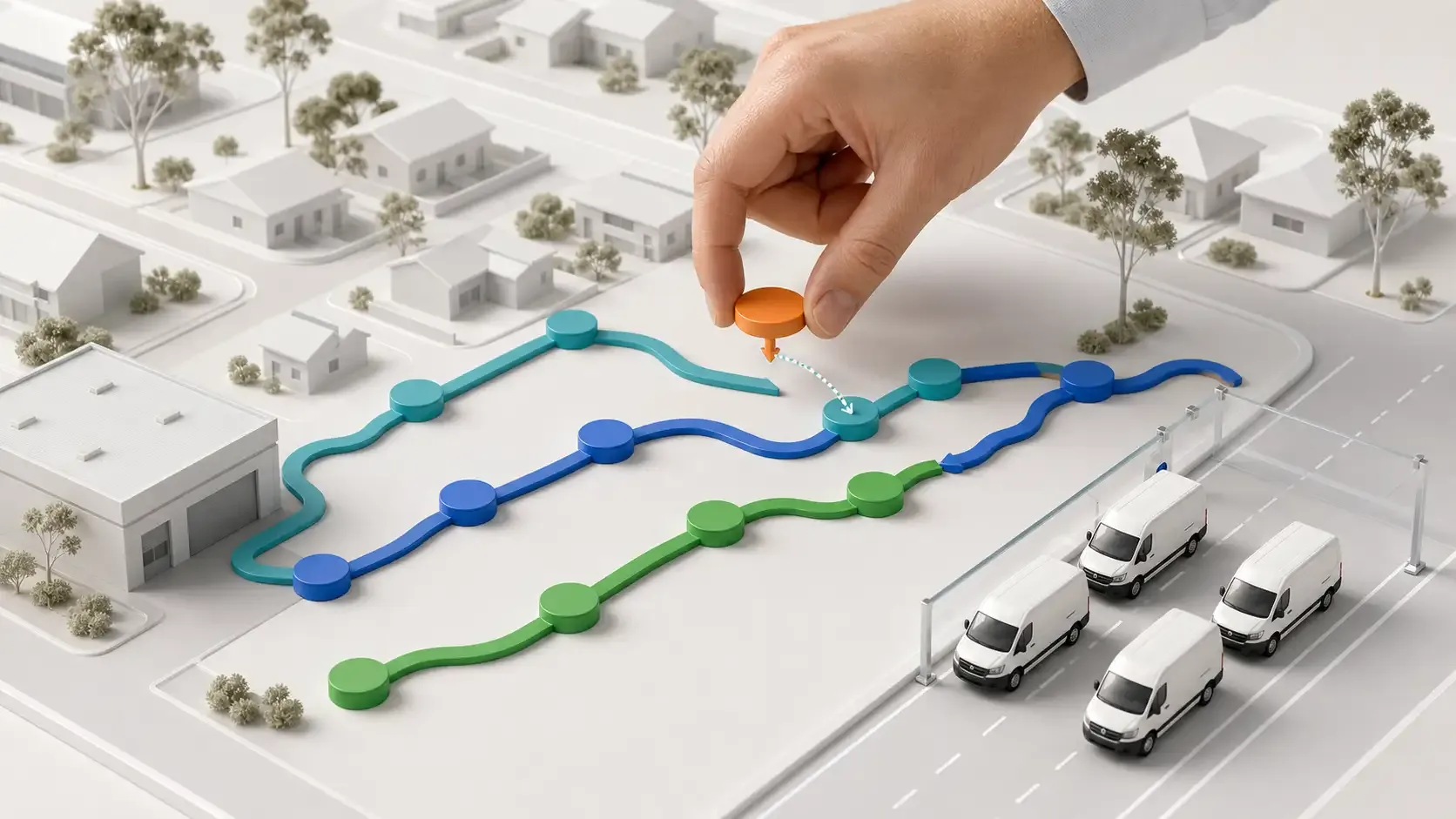
On this page
Route optimization can calculate a practical plan across many missions, vehicles and delivery constraints.
That does not mean the result should move directly from calculation to the driver without review.
The dispatcher still understands details that may not be completely represented in the data. A customer may have changed their receiving arrangements, a loading location may be difficult at a particular time, or one driver may be better suited to a specific operating area.
The strongest dispatch workflow combines optimization with human operational judgement.
For Australian delivery teams, learning how to review optimized routes before dispatch helps protect route quality without returning to hours of manual planning.
An Optimized Route Is a Working Plan
Optimization evaluates the missions, vehicles, depots and constraints supplied to it. The result provides a strong planning foundation, but dispatchers remain responsible for confirming that the plan is ready for the operating day.
This review should not mean rebuilding every route manually.
The purpose is to identify exceptions, confirm assignments and make a small number of justified adjustments before drivers receive the work.
Rouptimize’s route optimization workflow keeps dispatcher control available after routes are generated. Operators can review the plan, inspect unassigned work and adjust routes when operational knowledge requires it.
Why Dispatcher Review Still Matters
A route plan reflects the data available when it was created.
If a mission contains an incorrect duration, missing time window or outdated customer instruction, the optimized result may still need correction. Clean delivery mission data reduces these problems, but daily delivery operations will always contain some change and uncertainty.
Dispatcher review creates a checkpoint between route calculation and field execution.
At this checkpoint, the team can answer four important questions:
- Is all required work included?
- Are the routes operationally achievable?
- Are the correct drivers and vehicles assigned?
- Will each driver receive clear, current mission information?
If the answer to each question is yes, the routes are much closer to being driver-ready.
Start With the Correct Branch and Date
Before examining individual routes, confirm that the planning workspace is showing the correct branch and operating date.
This may sound obvious, but it protects the review from a basic context error. A route may look reasonable while containing missions, vehicles or drivers that belong to another branch or delivery day.
Rouptimize’s dispatcher map is organised around branch and date context. It brings missions, routes, depots, vehicles, drivers and map details into one planning workspace.
For multi-branch Australian operations, this helps each dispatch team focus on the work and resources available for its own operating area.
Review Unassigned Missions First
Unassigned missions should remain visible rather than disappearing when optimization cannot place them onto a route.
A mission may remain unassigned because of:
- an impossible time window;
- insufficient vehicle capacity;
- an unavailable required skill;
- a working-window conflict;
- missing or questionable mission data;
- an unsuitable depot or branch context; or
- insufficient route capacity for the selected vehicles.
The dispatcher should determine whether the mission data needs correction, the available resources need adjustment or the work requires a separate operational decision.
Forcing every mission onto a route can make the planning screen appear complete while transferring unresolved problems to the driver.
Compare Route Workloads
The next step is to compare the routes as a group.
A balanced plan does not necessarily give every driver the same number of stops. One route may contain fewer missions but require longer travel or more service time. Another may have many nearby stops that can be completed efficiently.
Dispatchers should compare:
- number of stops;
- planned distance;
- planned duration;
- estimated completion time;
- mission time windows;
- service duration;
- vehicle capacity requirements; and
- driver or vehicle suitability.
The goal is not visual symmetry. It is a practical workload for each assigned route.
Inspect Distance and Duration Together
A short route is not always a quick route.
Several nearby deliveries may require long service durations, difficult access or narrow customer windows. A route covering more kilometres may still finish earlier if its stops are simpler and more flexible.
Rouptimize allows dispatchers to review route distance and duration together. This helps prevent decisions based only on what appears geographically compact on the map.
Australian operations often need this distinction. A dense route in central Sydney or Melbourne can behave differently from a longer route across outer Brisbane, Perth or a regional delivery area.
Check Time Windows and ETAs
Customer time windows are among the most important route-review fields.
A route may be efficient overall but still place one customer close to the edge of their receiving window. The dispatcher should inspect the relevant ETA and consider how much operational tolerance exists before or after that stop.
Questions to ask include:
- Is the ETA inside the customer’s time window?
- Is there enough allowance for the previous stop?
- Could one long service visit affect several later deliveries?
- Is a high-priority mission placed appropriately?
- Does the route finish within the driver and vehicle working window?
The objective is not to eliminate every possible delay. It is to identify routes with little room to absorb normal operating variation.
Review Stop Order on the Map
Stop order should make sense both numerically and geographically.
The route geometry may reveal unnecessary backtracking, an awkward crossing between service areas or a stop that appears better suited to another point in the sequence.
Dispatchers can use the route-stop editing workflow to adjust sequence when manual control is required.
However, every change should have a reason. Reordering stops simply because the dispatcher prefers a familiar sequence can reduce the value of optimization.
A useful adjustment should solve a visible operational issue, such as a customer window, access condition, mission priority or known service requirement.
Confirm Vehicle Capacity and Suitability
The assigned vehicle must be able to complete the route, not merely travel along it.
Dispatchers should confirm that mission demand fits the vehicle’s item, weight or volume capacity. They should also check any skills, working hours, depot requirements or maximum-task settings used by the operation.
Pickup-delivery work requires particular attention because the load changes as items are collected and delivered. A route that begins within capacity may become overloaded after several collections if the sequence is not appropriate.
Capacity problems are easier to resolve during review than after the driver has begun loading.
Confirm the Driver and Vehicle Assignment
A route is not ready for dispatch until the correct driver, mobile user and vehicle are connected to it.
The dispatcher should verify:
- that the driver is available;
- that the correct vehicle is assigned;
- that the driver can use that vehicle;
- that any required skills are covered;
- that the route belongs to the correct branch; and
- that the mobile assignment will reach the intended driver.
Rouptimize’s driver and vehicle assignment documentation explains how route work is connected to the appropriate driver and fleet asset.
This final identity check helps prevent a good route from being sent to the wrong person.
Make the Smallest Useful Adjustment
When a problem is identified, the best change is usually the smallest one that resolves it.
A dispatcher may need to:
- reorder two route stops;
- move a mission to another route;
- assign an unassigned mission manually;
- change the assigned driver or vehicle;
- correct the underlying mission information; or
- leave the mission unassigned for separate handling.
Rouptimize supports manual planning and editing so dispatchers can work with generated routes instead of accepting or rejecting the entire plan. The manual route-editing guide covers these controls.
Small, reasoned changes preserve the benefits of optimization while applying real operational knowledge.
Do Not Use Manual Changes to Hide Data Problems
If dispatchers make the same correction every day, the problem may exist in the planning data rather than the optimized result.
For example:
- a customer always needs more service time than recorded;
- a vehicle capacity is incorrect;
- a driver skill has not been configured;
- a mission regularly receives the wrong priority;
- a branch or depot assignment is inconsistent; or
- a time window is routinely entered as free-text instructions.
Repeated manual changes should become feedback for the mission, vehicle or operating setup.
Correcting the source data allows the next route plan to improve. Repeating the adjustment manually keeps the operation dependent on dispatcher memory.
Use Local Knowledge Carefully
Local knowledge is one of the dispatcher’s most valuable contributions.
An experienced Australian dispatcher may understand commercial loading access, difficult parking conditions, regional travel patterns or customer-specific receiving processes that are not obvious from route geometry alone.
That knowledge should influence the review when it is current and operationally relevant.
It should not automatically override the optimized plan because “we have always run the route this way.” Historical habits may have been created around old customers, vehicles or delivery volumes.
The most useful review process respects experience while remaining willing to test a better plan.
Complete a Final Driver-Ready Check
Before sending the routes, complete a short final check.
Confirm that:
- required missions are scheduled or deliberately left for review;
- stop order has been checked;
- time windows and ETAs are practical;
- route distance and duration are reasonable;
- vehicle capacity and skills fit the work;
- the correct driver and vehicle are assigned;
- mission addresses and instructions are complete; and
- the driver will be able to see the route in the mobile app.
This check should be brief. If it requires rebuilding every route, the team should examine the optimization inputs and review process.
Dispatch the Route to the Driver App
Once the route has been reviewed, it can be sent into the driver workflow.
Rouptimize’s driver mobile app gives drivers access to assigned routes, mission details, navigation, status updates, delivery history and proof-code verification.
The practical route dispatch tutorial covers the handoff from reviewed route to driver assignment.
A connected handoff reduces the need to send separate spreadsheets, screenshots or message threads that may become outdated after the plan changes.
Monitor Exceptions After Dispatch
Review improves the plan, but it cannot remove every disruption from the day.
A customer may become unavailable, a collection may take longer than expected or a driver may encounter an unexpected delay.
Rouptimize’s live monitoring tools help dispatchers inspect selected drivers, vehicles, current locations and today’s mission context while routes are active.
The purpose of monitoring is to identify exceptions that may need action, not to continually second-guess a route that is progressing normally.
Learn From Manual Adjustments
Manual route changes contain useful operational information.
Teams should review how often dispatchers alter optimized routes and why. Useful categories may include incorrect mission data, customer access, time-window risk, driver suitability, capacity, workload balance or a genuine same-day change.
If a particular reason appears repeatedly, the operation can improve the related input or policy.
Rouptimize’s delivery reports and analytics provide route, mission, driver, distance, duration and performance context for the wider improvement process.
Over time, the review stage should become faster because more operational knowledge is represented in the data used to generate the route.
Common Route-Review Mistakes
Reviewing only the map shape
A neat route line can still contain difficult time windows, excessive service duration or an unsuitable vehicle.
Making every route look equal
Equal stop counts do not guarantee balanced workloads. Review duration, distance and mission complexity together.
Ignoring unassigned work
Unassigned missions often reveal the most important planning conflicts. They should be reviewed before dispatch.
Editing from habit
A familiar sequence is not automatically better. Manual changes should address a specific operational reason.
Sending routes before assignments are confirmed
A route without the correct driver and vehicle connection is not yet driver-ready.
Optimization Works Best With Dispatcher Judgement
The goal of route optimization is not to remove dispatchers from the planning process.
It is to give them a better starting point, reduce repetitive route construction and focus their attention on decisions that genuinely require operational knowledge.
For Australian delivery teams, a disciplined review process creates a useful balance: optimized planning with clear human control before routes reach drivers.
Written by
Results-oriented and visionary CEO with a passion for innovation and a track record of transforming startups into industry leaders. Seeking a leadership role in a dynamic startup environment where I can leverage my strategic acumen, entrepreneurial spirit, and hands-on experience to drive growth, build high-performing teams, and deliver unparalleled value to customers. Committed to fostering a culture of creativity, adaptability, and sustainable success.
Operations • Management • Route Optimization • Product Management • Logistics • Problem Solving
FAQ
Should dispatchers always review optimized routes?
Yes. The review can be brief, but dispatchers should confirm route details, exceptions, stop order and assignments before sending work to drivers.
Can stops be reordered after optimization?
Yes. Rouptimize allows dispatchers to reorder route stops when manual control is required.
Can a mission be moved to another route?
Yes. Dispatchers can adjust mission placement and assignments from the route-planning workflow.
What route details can dispatchers review?
The dispatcher map can show stop order, distance, duration, ETAs, route geometry and the assigned driver or vehicle.
What should happen to unassigned missions?
They should remain visible for dispatcher review. The team can correct the mission, adjust available resources or make a separate operational decision.
Does reviewing routes mean optimization is not working?
No. Optimization handles the complex planning calculation, while dispatcher review applies current operational context and confirms the plan is ready for execution.